Instagram · post
Instagram Post Downloader
Paste a post link to save it instantly — or paste a public profile URL to see every post from that account.
Works with public Instagram posts. We never store your links or downloaded media.
How to download posts from Instagram?
- 1
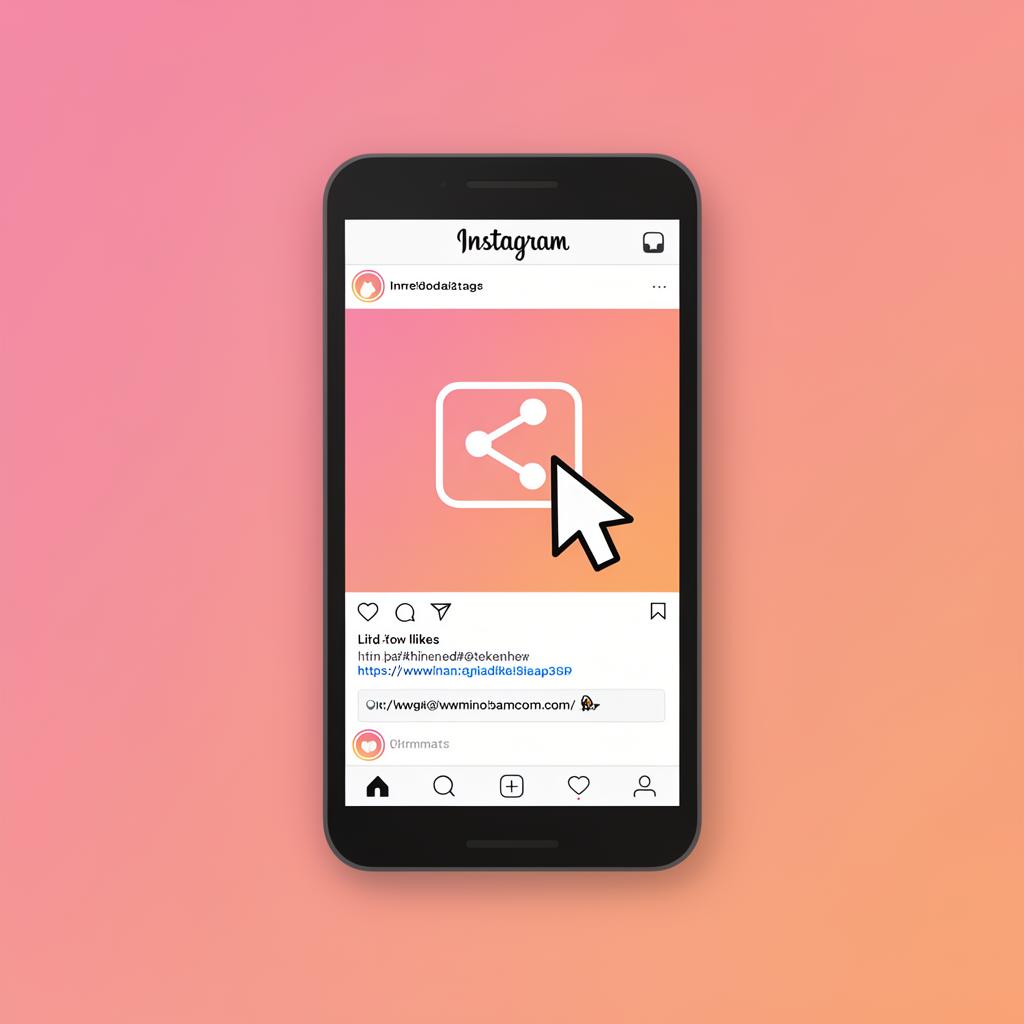
Copy the URL
Copy a single post link from Instagram, or copy the link to a public profile to fetch the whole feed.
- 2
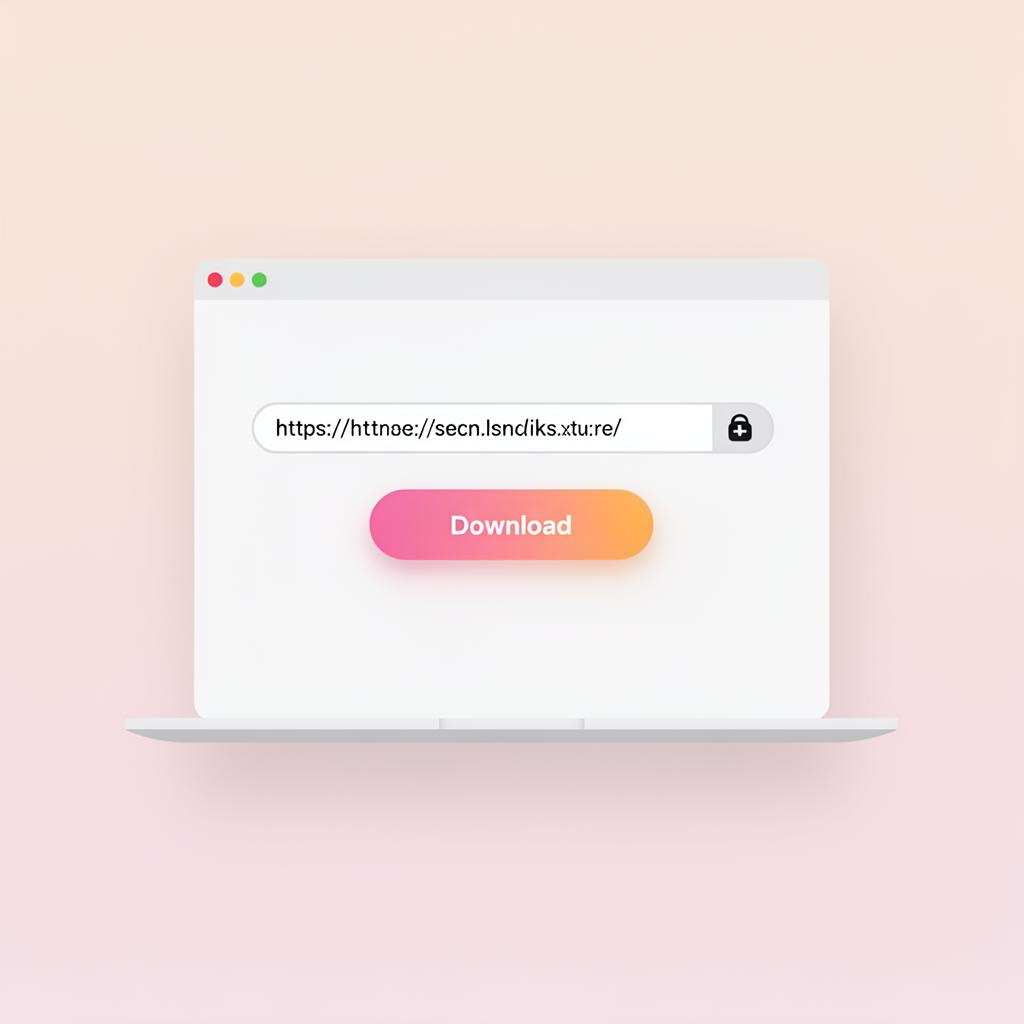
Paste the link
Return to saveit, paste the link into the input field at the top of the screen, and click the “Download” button.
- 3
Download
You'll see every photo and video laid out in a grid. Save them individually or grab them all.