Instagram · photo
Instagram Photo Downloader
Paste the link to any public Instagram post and save the photo in original quality.
Works with public Instagram posts. We never store your links or downloaded media.
How to download photo from Instagram?
- 1
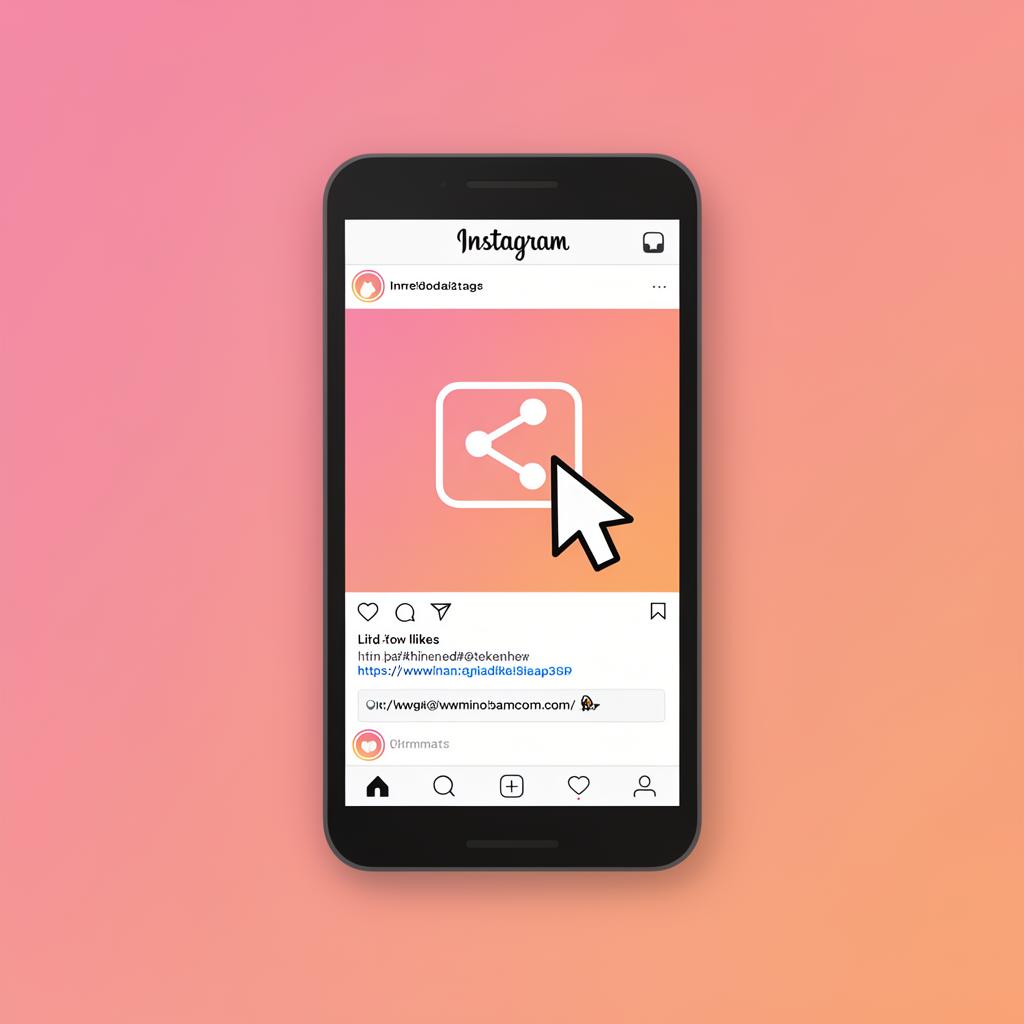
Copy the URL
Open the Instagram app or website and copy the link of the photo post you want to download.
- 2
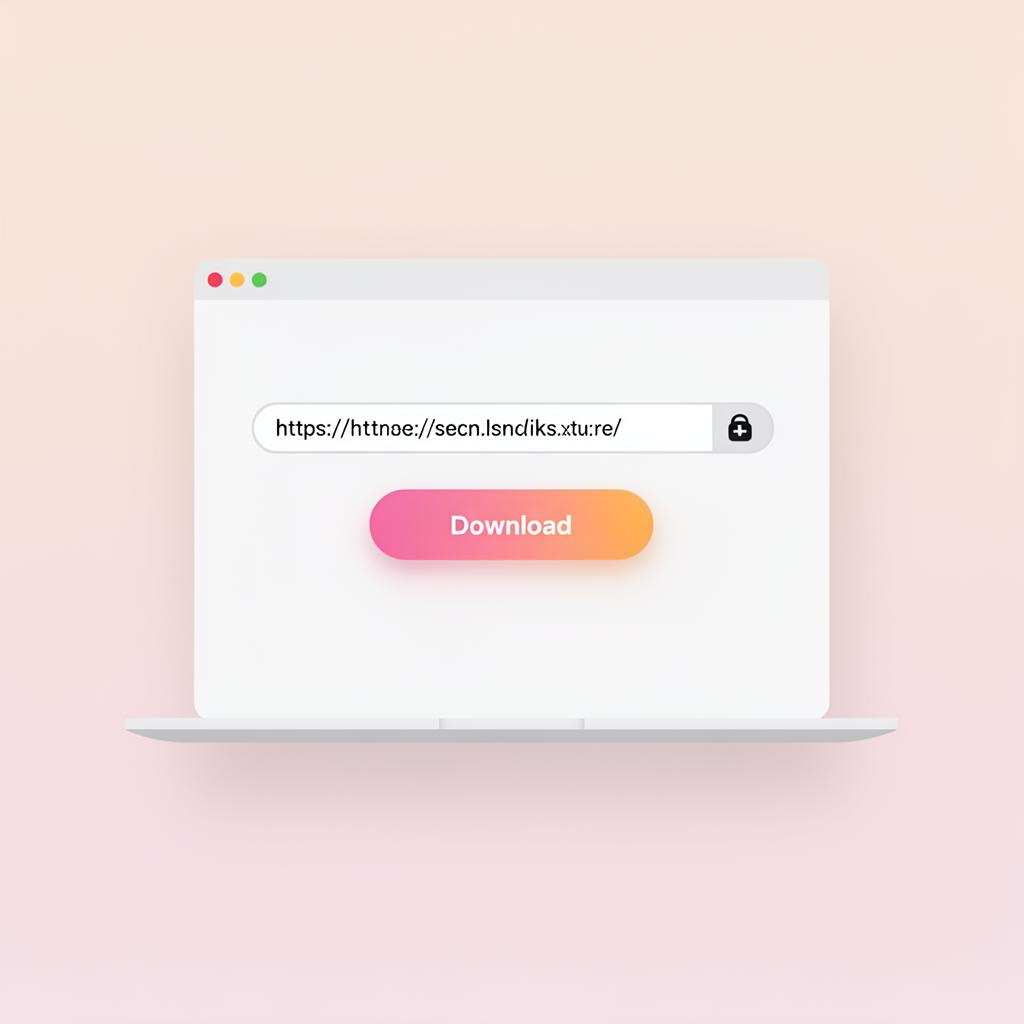
Paste the link
Return to saveit, paste the link into the input field at the top of the screen, and click the “Download” button.
- 3
Download
You'll instantly see the photo in original HD quality. Click download to save it to your device.